ADD
Drop in your audio
Import files, organise pages and let filename-based categories suggest a useful starting point.
Build clear pages of jingles, beds, effects and sponsor audio. Preview privately, trigger instantly and route each sound to the right physical output.
A guest operator can understand the grid immediately.
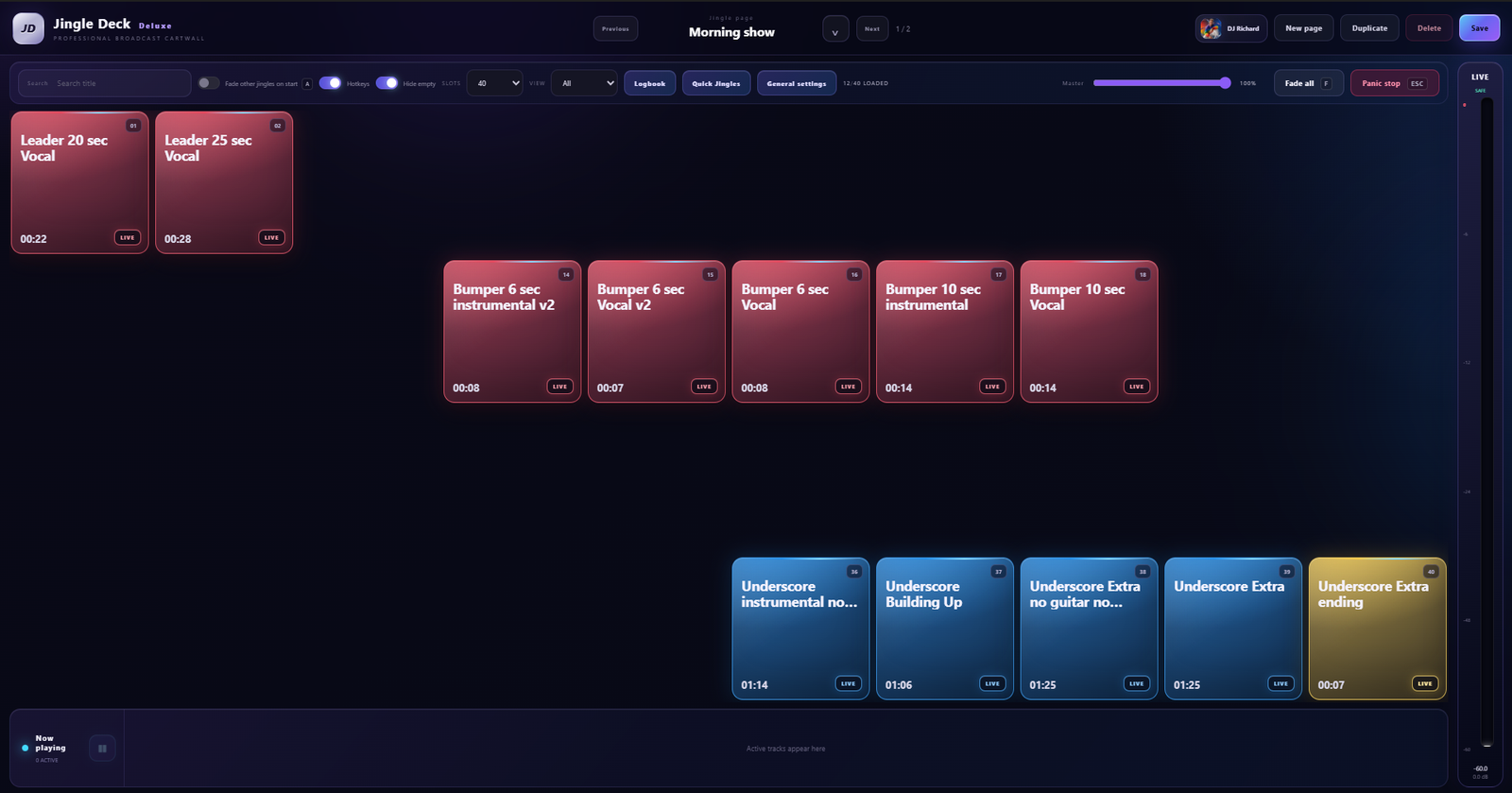
A professional can prepare precise timing, routing and playback behaviour behind every cart.
Import files, organise pages and let filename-based categories suggest a useful starting point.
Set cue points, fades, volume, loop behaviour, routing and track information.
Send PFL to headphones or another output without putting it on air.
Click, use hotkeys or connect MIDI while the active player stays clear and stable.
Choose Windows default or a specific USB, Bluetooth or professional audio device for the route you actually intend to use.
These tools solve the practical problems that appear when a cartwall becomes part of a real daily workflow.
Put seasonal, timed or operator-specific audio under one cart. The first matching version plays, with a safe default always available.
Keep a bed running for an unpredictable talk segment, then release it into its musical ending without a rough cut.
Keep your most-used sounds within reach and link them to master carts so important edits stay in sync.
Optionally skip silence at the beginning, propose a useful loudness level and flag quality problems without cloud AI.
Record played LIVE audio with operator and track metadata, then export the same complete source information to CSV or PDF.
Temporarily lower Fillers or all other audio while a cart plays. Set the level, fade down, fade back and exact ducking window without changing unrelated outputs.
Move complete pages or decks, including audio and advanced settings, as one checked and deduplicated package.
Auto Fade can handle normal transitions, while Fade all and Panic stop remain separate, deliberate controls for the moments when the whole output must change immediately.